


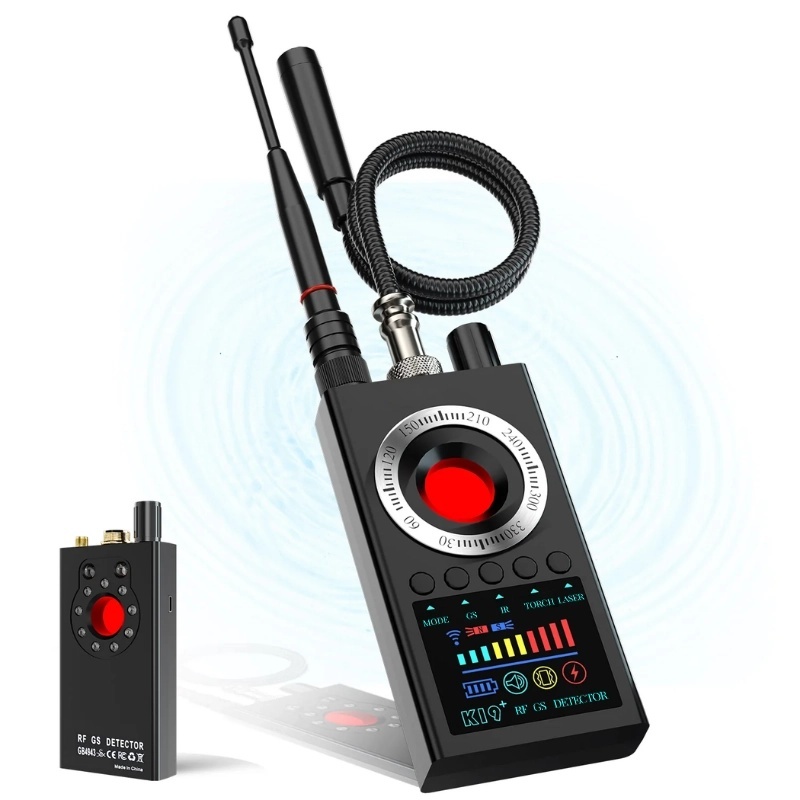
iUni K19+ Detector for Cameras, Spy Microphones and GPS Trackers, Frequency Range 100–8000 MHz
 iUni® Original 30 Day Returns Free shipping over 119 € 24 Month Warranty
Also viewed by others
Description
QUICK IDENTIFICATION OF SPY DEVICES
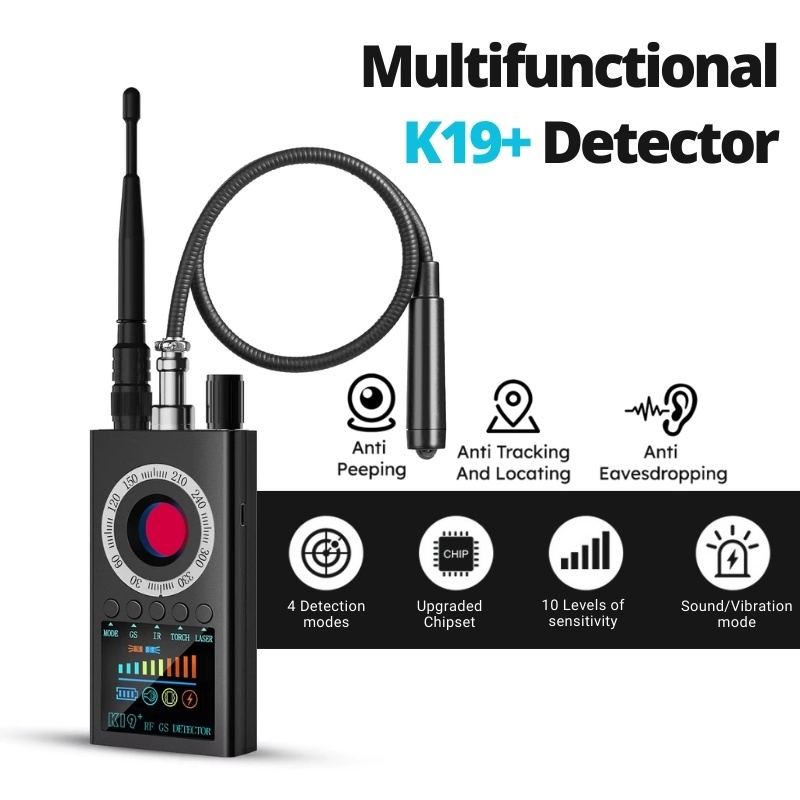
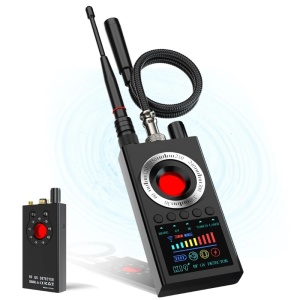
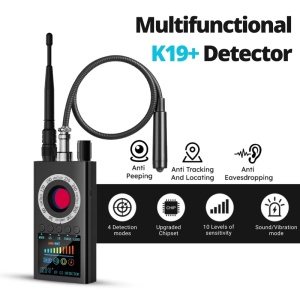
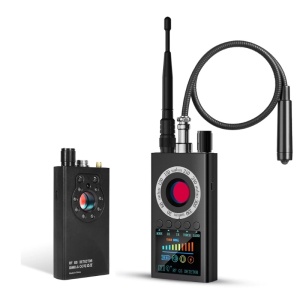
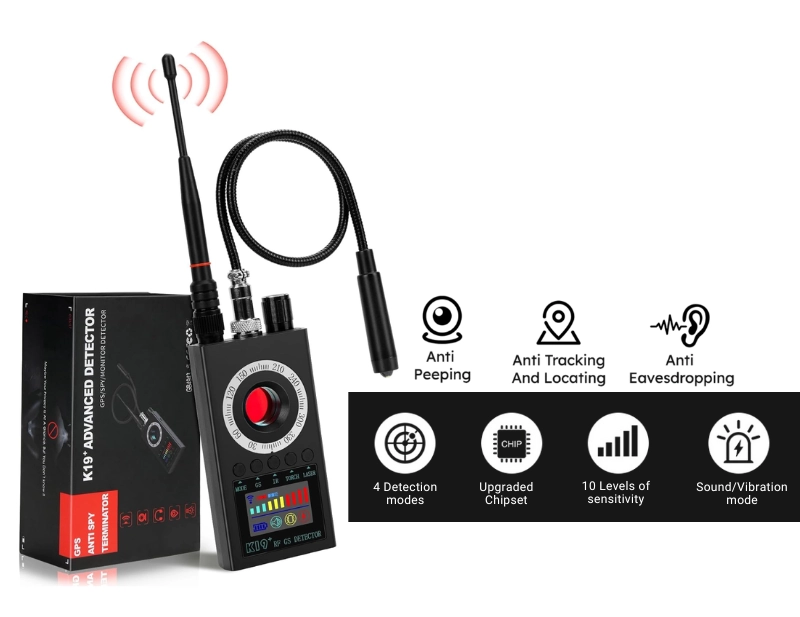
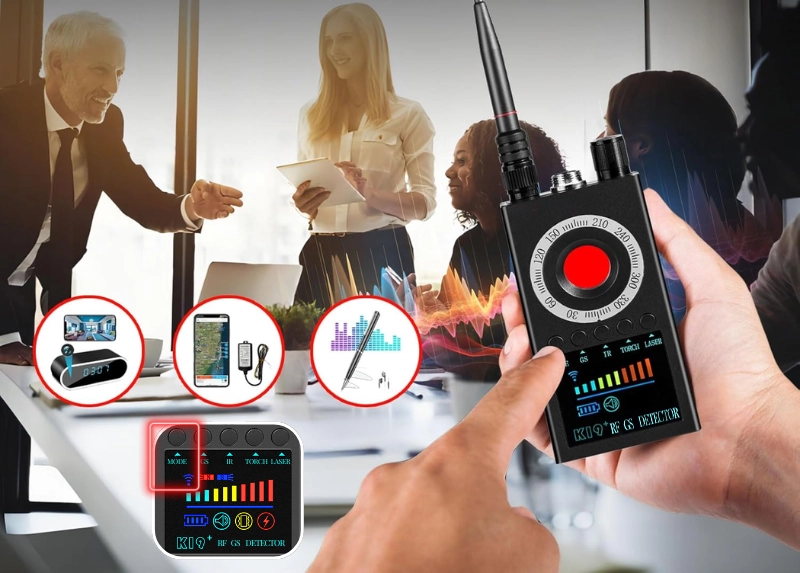
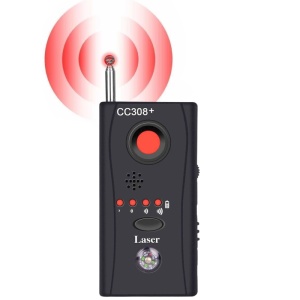
The iUni K19+ detector is a multifunctional and easy-to-use device that is essential for protecting your privacy and preventing unwanted surveillance.
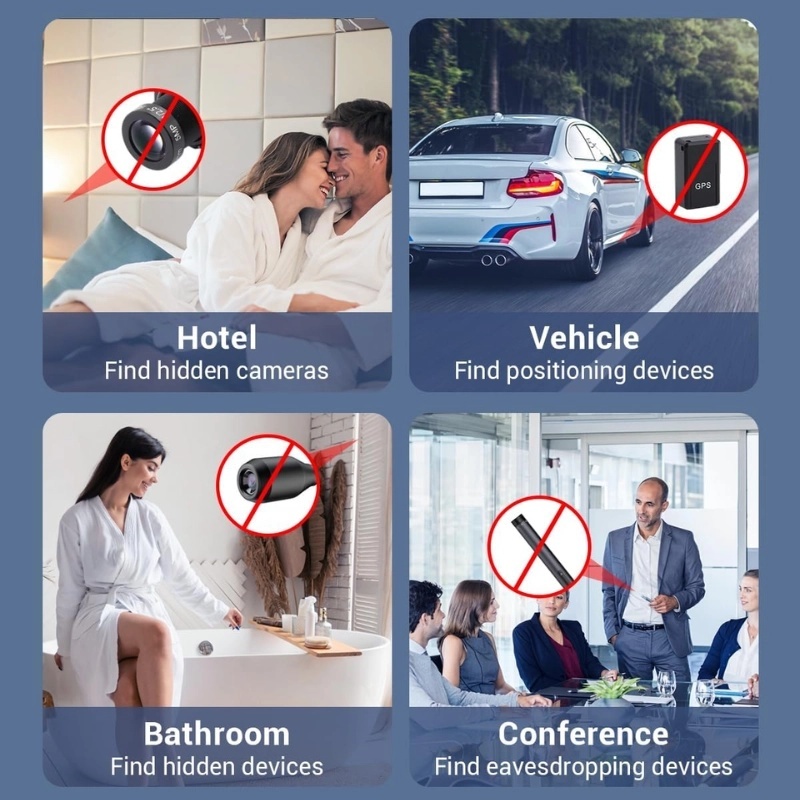
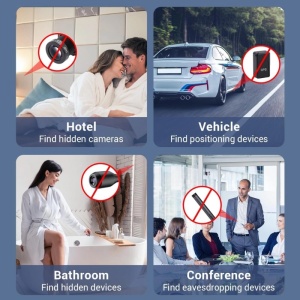
The device allows you to quickly detect hidden surveillance cameras and listening devices.
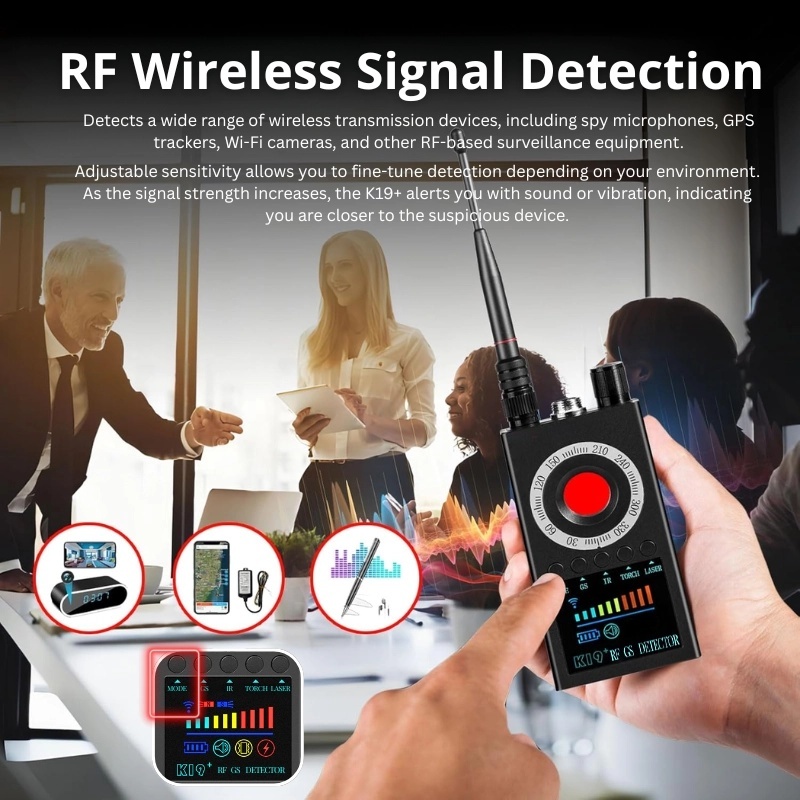
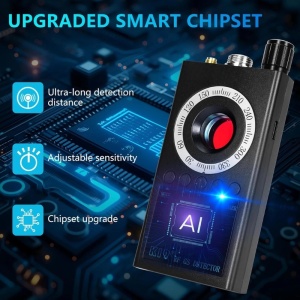
The exceptionally wide detection frequency range, between 100 MHz and 8 GHz, allows you to detect signals emitted by almost all wireless devices used for surveillance.
The 1000 mAh battery allows for continuous operation for approximately 5 hours, giving you the freedom to carry out multiple listening sessions without having to recharge frequently.
MAGNETIC FIELD DETECTION
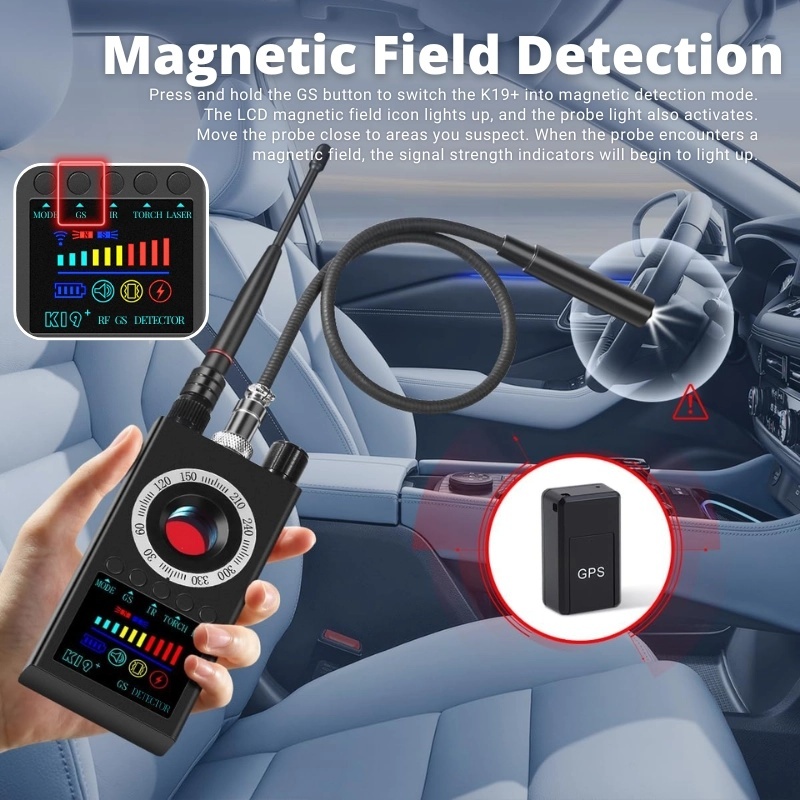
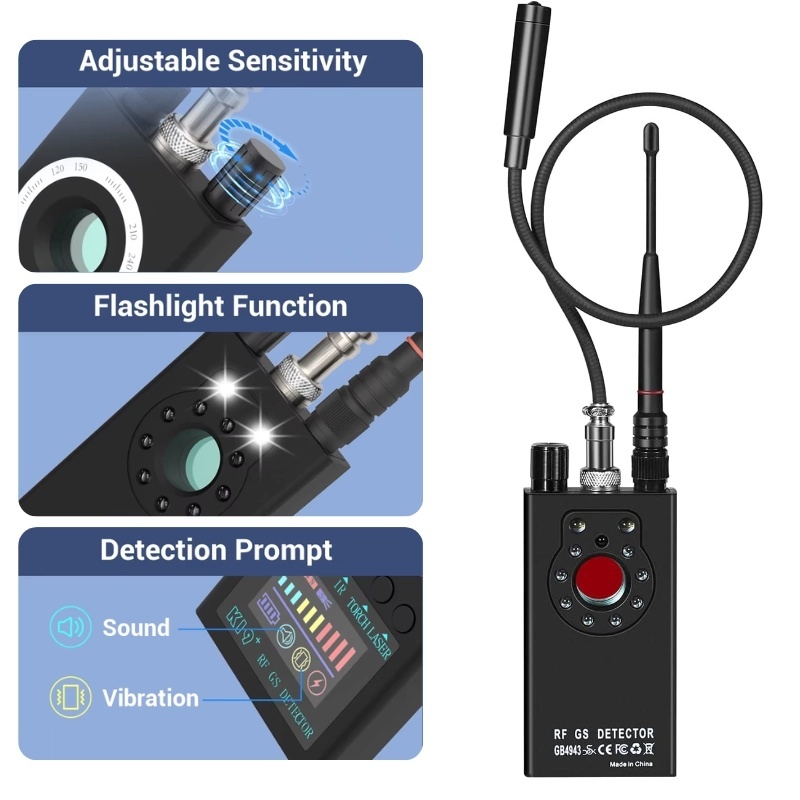
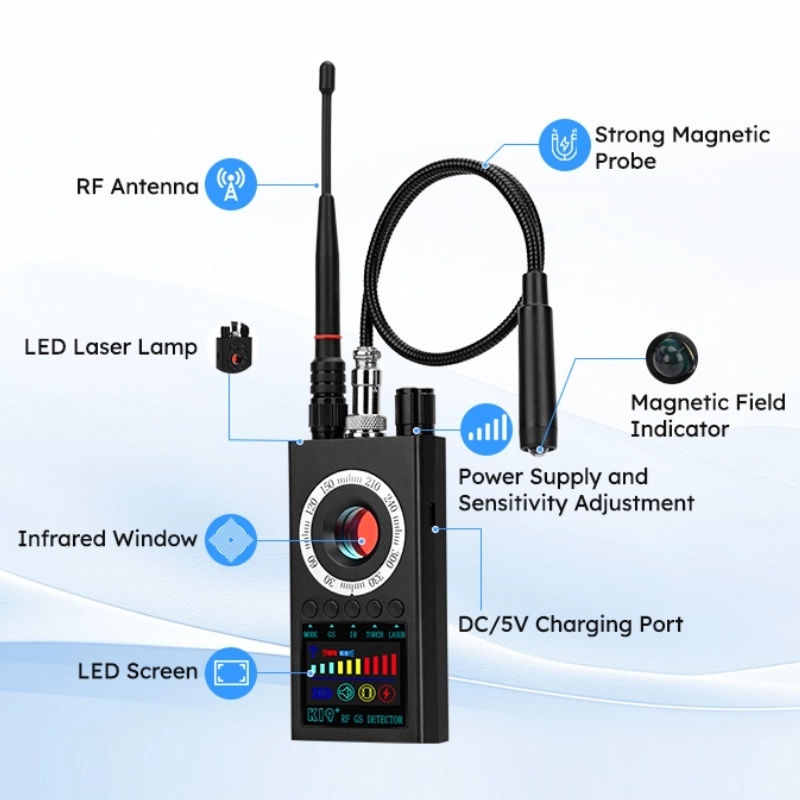
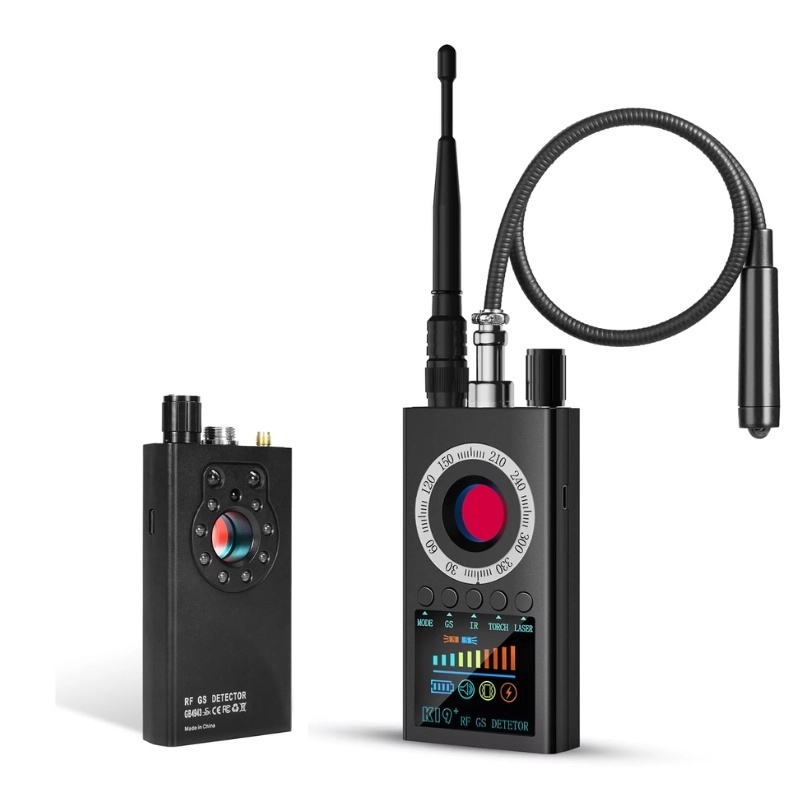
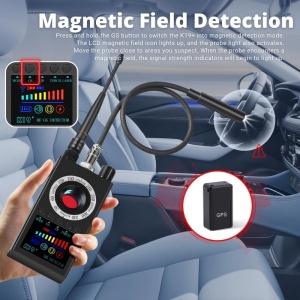
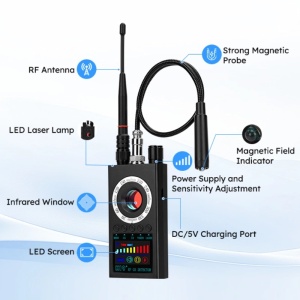
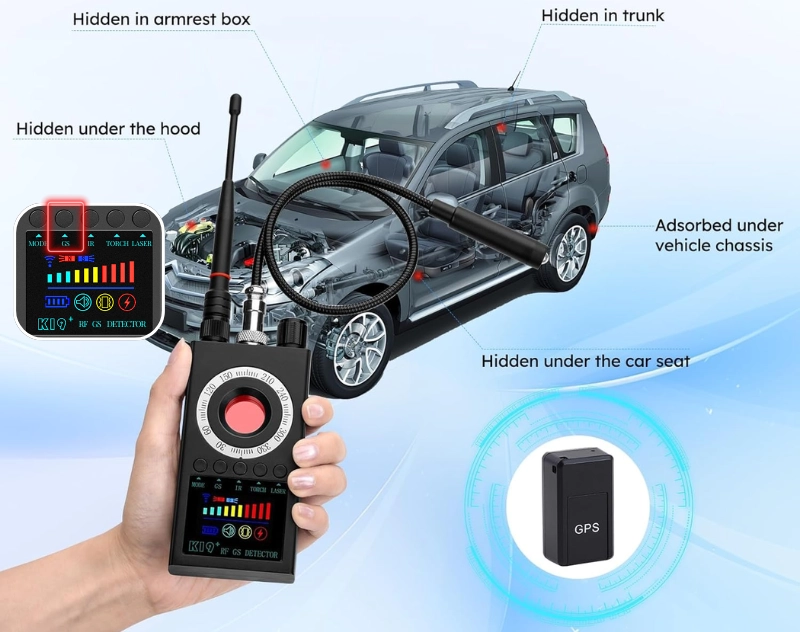
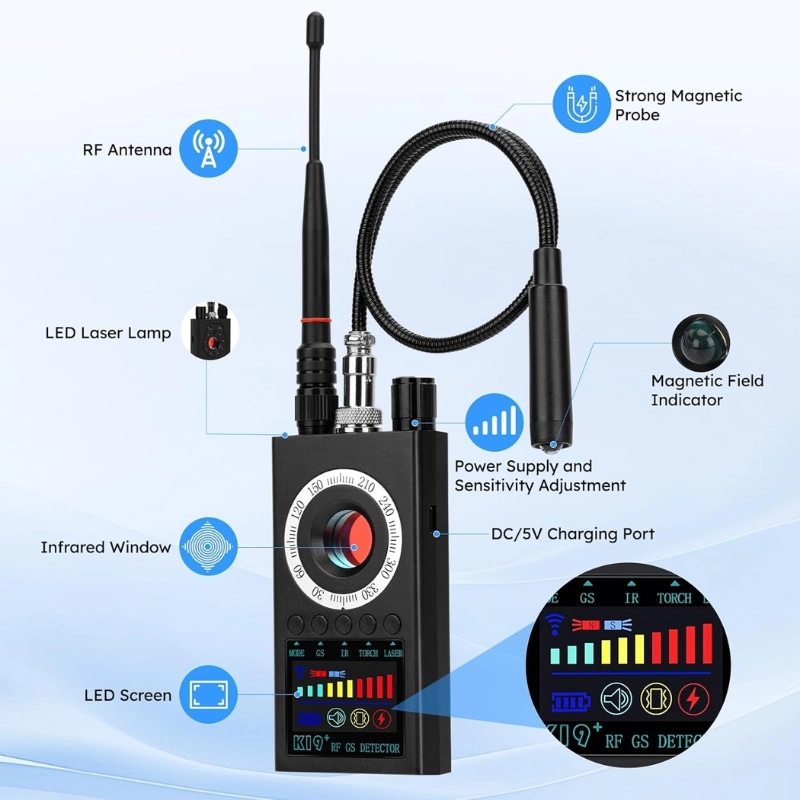
The package includes a flexible torch with a magnetic sensor that connects directly to the detector. With it, you can quickly check the car for magnetic tracking devices, which are usually attached to the underside of the vehicle.
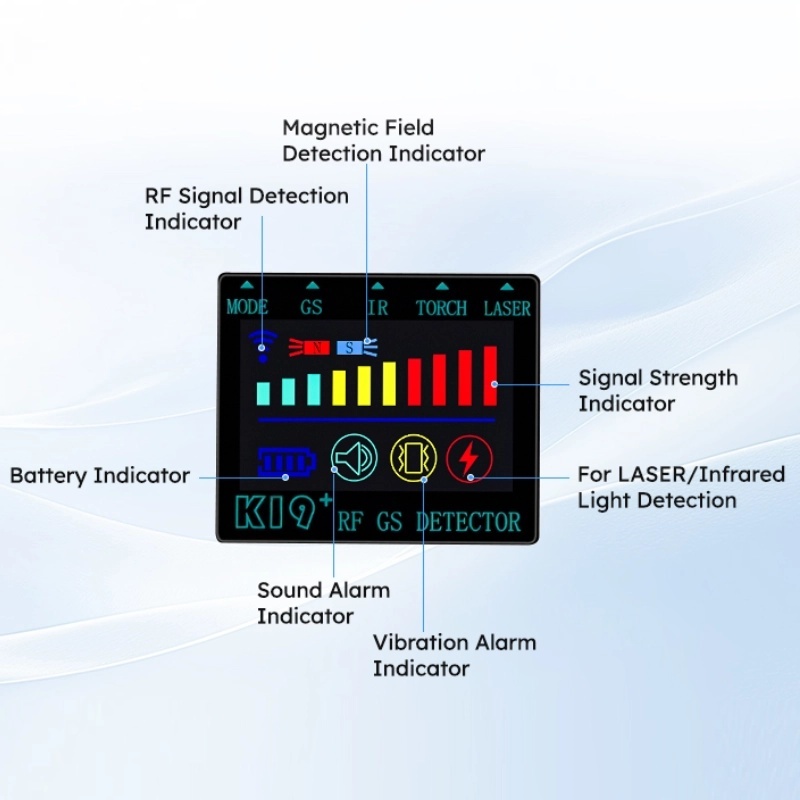
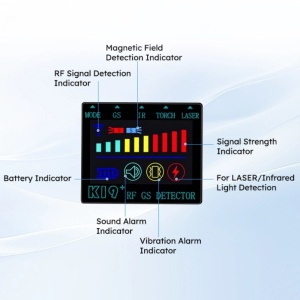
Before switching on the device, attach the flexible torch with the magnetic field sensor, then activate the device. Press and hold the GS button to activate magnetic detection mode – the corresponding indicator on the display lights up, the torch LED lights up and a continuous beep confirms activation. The level will initially be set to 10. Adjust the knob until all indicator LEDs go out (standby mode). During operation, adjust the knob to return to standby mode for optimal detection.
When the torch approaches a magnetic source, the signal level will begin to increase. From level 3 upwards, a vibration or audible signal is activated. If all LEDs are lit, there is a suspicious object with a magnetic field nearby.
Move left and right or up and down to determine the exact location. Switch between alert modes (vibration/sound) using the MODE button.
The maximum detection range is 20 cm.
DETECTING WIRELESS RADIO FREQUENCY SIGNALS
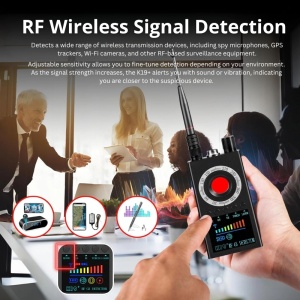
Switch on the device by turning the knob clockwise until the display lights up. You will hear a long beep and the device will enter detection mode, showing the maximum signal level (level 10).
At this point, the radio frequency signal indicator is active. You can adjust the knob to set the sensitivity level to ‘1’, thereby entering standby mode.
Depending on the environment, the indicator may flash at different levels. By briefly pressing the MODE button, you can switch between vibration and audible alert modes. For optimal detection, adjust the sensitivity using the button (higher or lower).
If all signal indicators light up in areas with a strong signal, reduce the sensitivity to the maximum level 4 for stable operation. When the signal reaches level 7, the audible or vibration alert will be activated.
The higher the signal level, the closer the suspicious object is. If the signal indicator is full, reduce the sensitivity again and gradually move closer until the source is located.
MANUAL DETECTION OF INFRARED LASERS
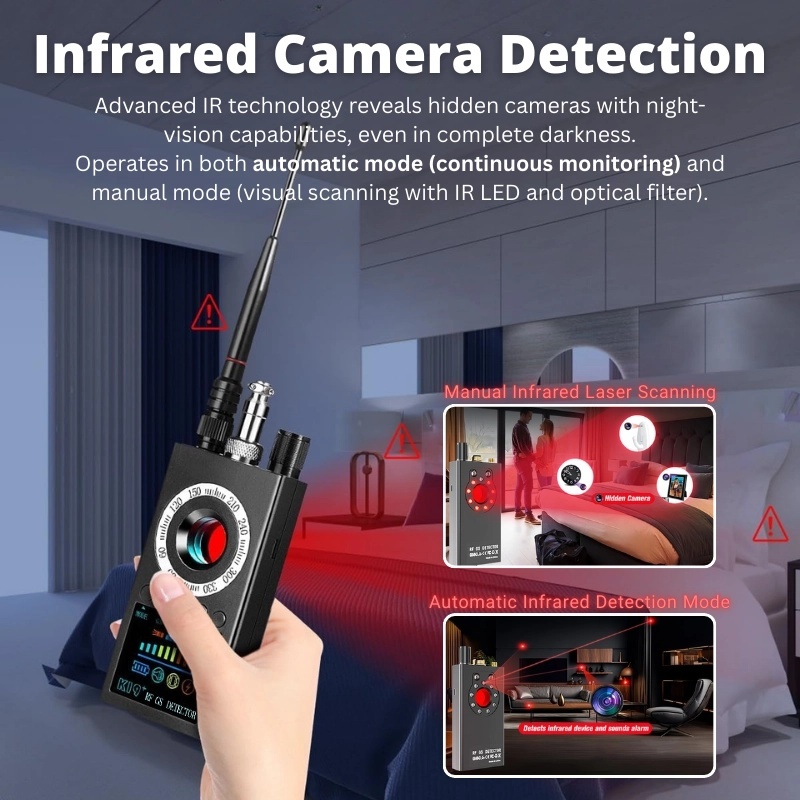
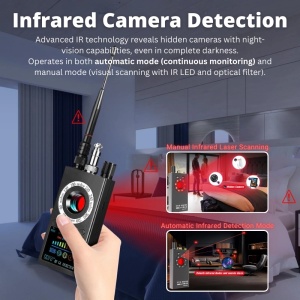
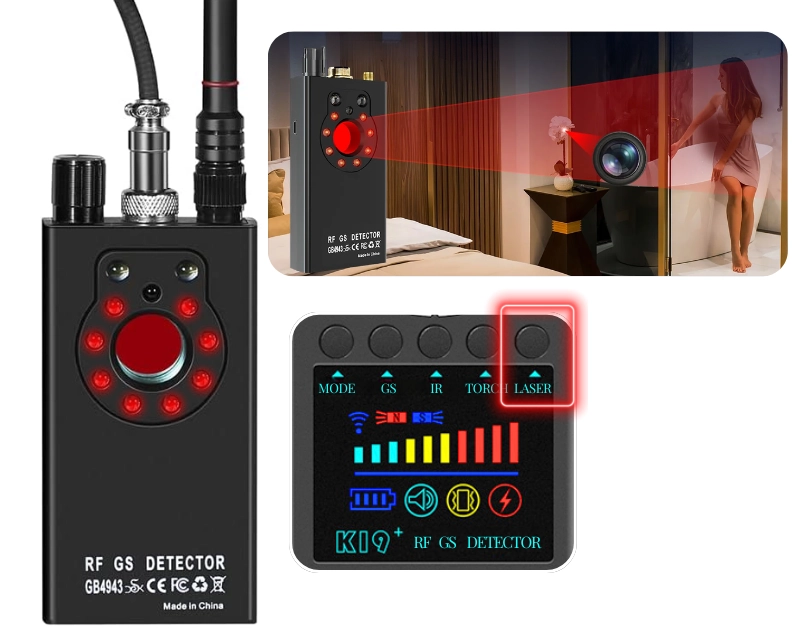
The device allows you to detect even the smallest, hard-to-identify cameras, whether they are switched on or off.
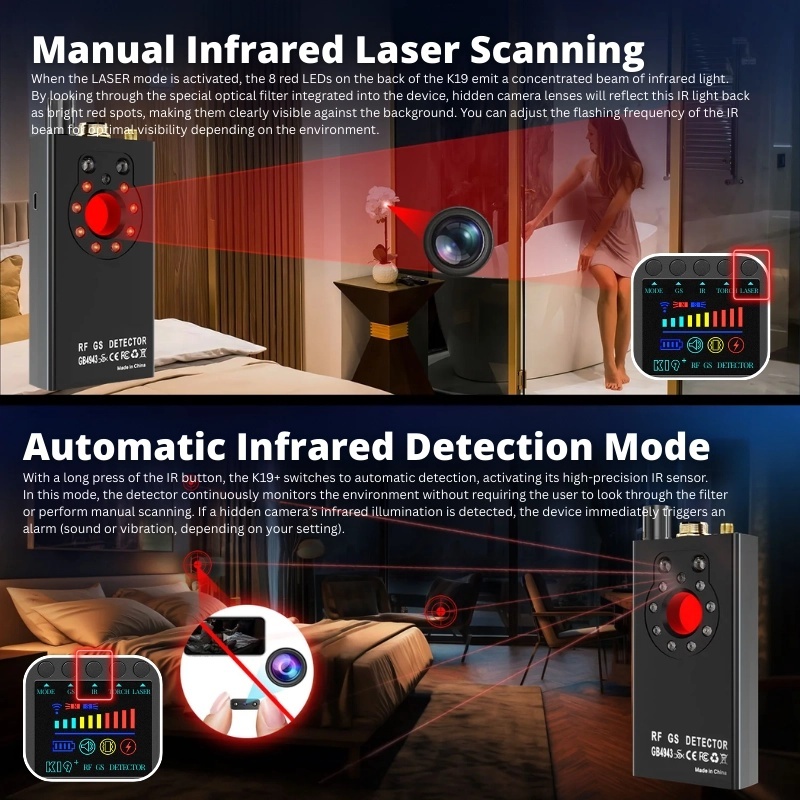
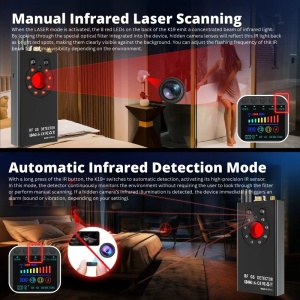
When LASER mode is activated, the 8 red LEDs on the back of the device emit a beam of infrared light. When viewed through the special optical filter, the lenses of hidden cameras will reflect this infrared light as bright red dots, making them clearly visible against the background.
You can adjust the flashing frequency by holding down the LASER button for optimal visibility, depending on the environment.
AUTOMATIC INFRARED DETECTION
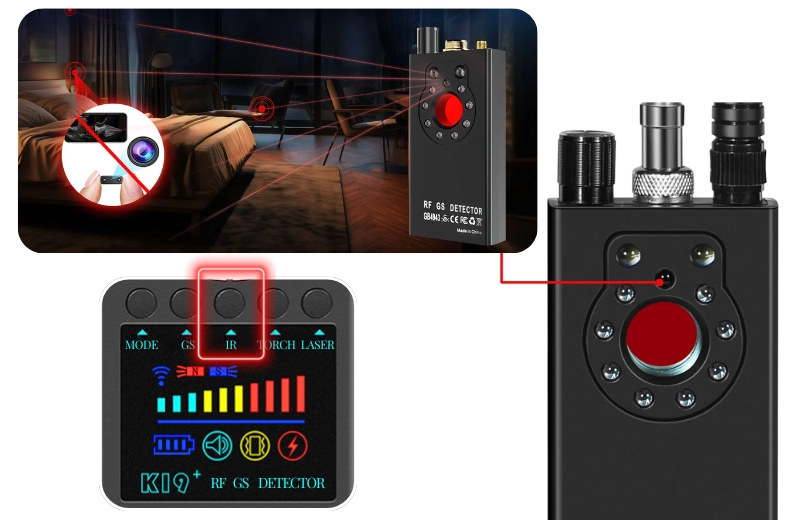
When the IR button is held down, the iUni K19+ switches to automatic detection mode, activating its high-precision IR sensor.
In this mode, the detector continuously monitors the surroundings without you having to look through the filter or perform a manual scan.
If a hidden camera is detected, the device immediately triggers an alarm (audible or vibrating, depending on the selected settings). Furthermore, the intensity of the infrared signal shown on the LCD display indicates the proximity of the suspicious device.
Detection range: 0.1–3 metres.
ADJUSTABLE SENSITIVITY
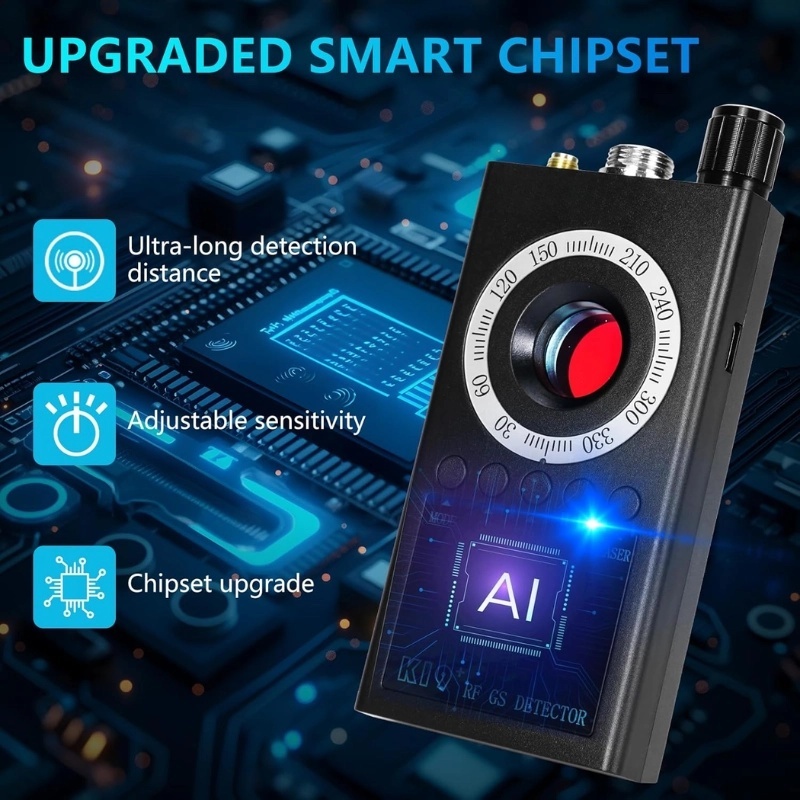
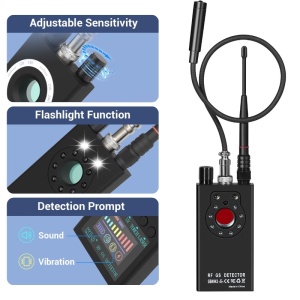
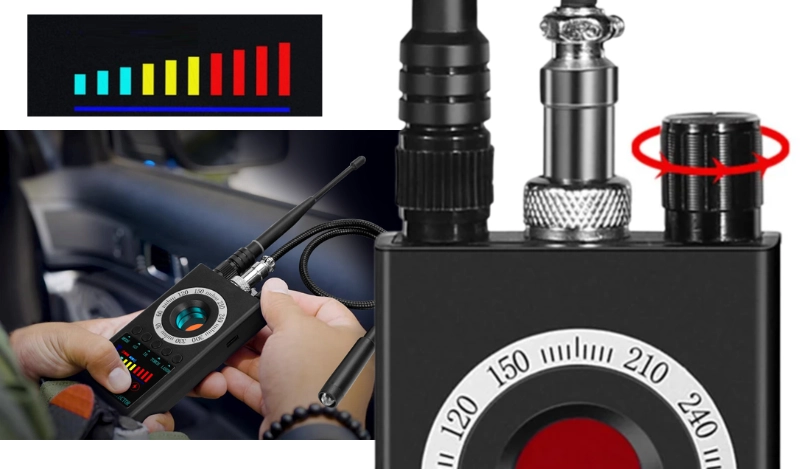
The adjustment knob allows you to increase or decrease the sensitivity depending on the detection environment.
In areas with a strong signal, it is recommended to reduce the sensitivity to avoid false alarms and to pinpoint the exact location of the suspicious device.
In areas with a weak signal, sensitivity can be increased to detect very weak signals or hidden devices.
Recommendation. Before you start searching for bugs or hidden cameras, switch off all Wi-Fi connections, routers, mobile phones and other wireless devices so that their signals do not interfere with this device.
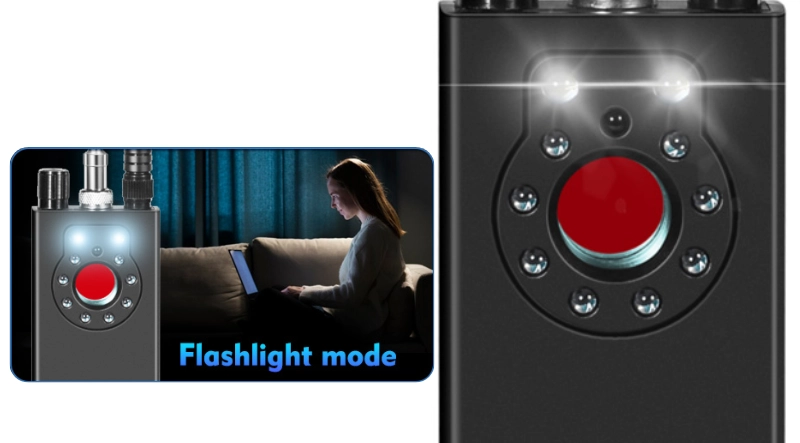
LED TORCH
In active mode, press and hold the TORCH button to turn on the torch (the two white LEDs on the back will light up). Press briefly to turn the light off.
Press and hold the GS button to activate magnetic detection mode – the probe light also illuminates, which can be used as a small, flexible torch to light up corners or hard-to-reach spaces.
SPECIFICATIONS:
- Materials: plastic (PC+ABS), metal
- Colour: black
- Frequency range: 100MHz–8GHz
- Coverage area:
- 15 m² for 2G/3G/4G GSM networks
- 10 m² for standard wireless cameras with a power of 10 mW at 2.4 GHz
- 10 m² for standard wireless cameras with 10 mW power at 1.2 GHz
- Wireless detection sensitivity: 10 adjustable levels
- Detection sensitivity: ≤0.03 mW
- Alert - LED display, sound or vibration
- Charging interface: Type-C
- Built-in battery: 3.7 V, 1000 mAh
- Operating time: approx. 5 hours
- Charging time: 5 hours
- Dimensions: 124 x 56 x 20 mm (excluding antenna)
- Weight: 160 g
All products in the Spion category are devices that, by their very nature, have hidden functions and buttons, so that their use is as discreet as possible. Some devices activate automatically thanks to features such as ‘motion detection’, whilst others activate their functions by pressing a special button or buttons. In some cases, products have a single button that reacts differently depending on how it is pressed. For example, a short press activates a specific function of the product, whilst a longer press activates another function.
Our engineers, together with external specialists, have designed our products to be easy to use once the product’s functions and features are known and understood by the user.
We recommend that you consult the user manual when using the device for the first time, as well as whenever you encounter difficulties. You can also contact our support department/call centre, which is trained in the use of iUni devices, to clarify any issues you may have.
Spy cameras and microphones belong to the category of surveillance products, which are usually installed in shops and/or showrooms to ensure the integrity of the goods on display. Whenever such a device is put into operation, it is necessary to inform the relevant persons that they are under surveillance.
Under current Romanian legislation, the use of these devices is not permitted without the express consent of the person(s) being monitored by them. Under no circumstances should our products be used to record or film the private life of any individual.
iUni Corporation accepts no liability for the use of its devices in breach of applicable legislation and shall not be held liable for the improper or indecent use of ‘spy’ type products.
You might be interested in
-
 iUni R35 Detector for Cameras, Spy Microphones and GPS Trackers, Frequency Range 1–6500 MHzRRP price: €299.99€34.99
 -
-
-
What customers are saying
Details
Compliance information
Safety information:
Some accessories may pose a choking hazard to young children. Keep out of reach of children. Read the instructions and product information carefully.
Manufacturer information:
iUni brand product, manufactured in accordance with European safety and quality standards.
EU Responsible Person Information:
S.C. iUni Corporation S.R.L.